Mila TV — your TV with a kind heart
Open the page on any screen and send Mila the code from it. She’ll put on what you need right now: background for work, a meditation, a bedtime story for the kids or slides for a meeting.
Telegram will open. 18 channels play on their own around the clock.
Try it
Turn on a channel — the screen comes alive
Tap a channel — the screen switches, and the chat shows how you’d ask Mila for it in Telegram.
How to turn it on
Three steps — and the screen runs itself
In the browser on your TV, laptop or projector.
The screen will show a code — send it to Mila in Telegram.
Next, back, volume, another channel — just message Mila.
Where it helps
Four scenes — one screen
Home
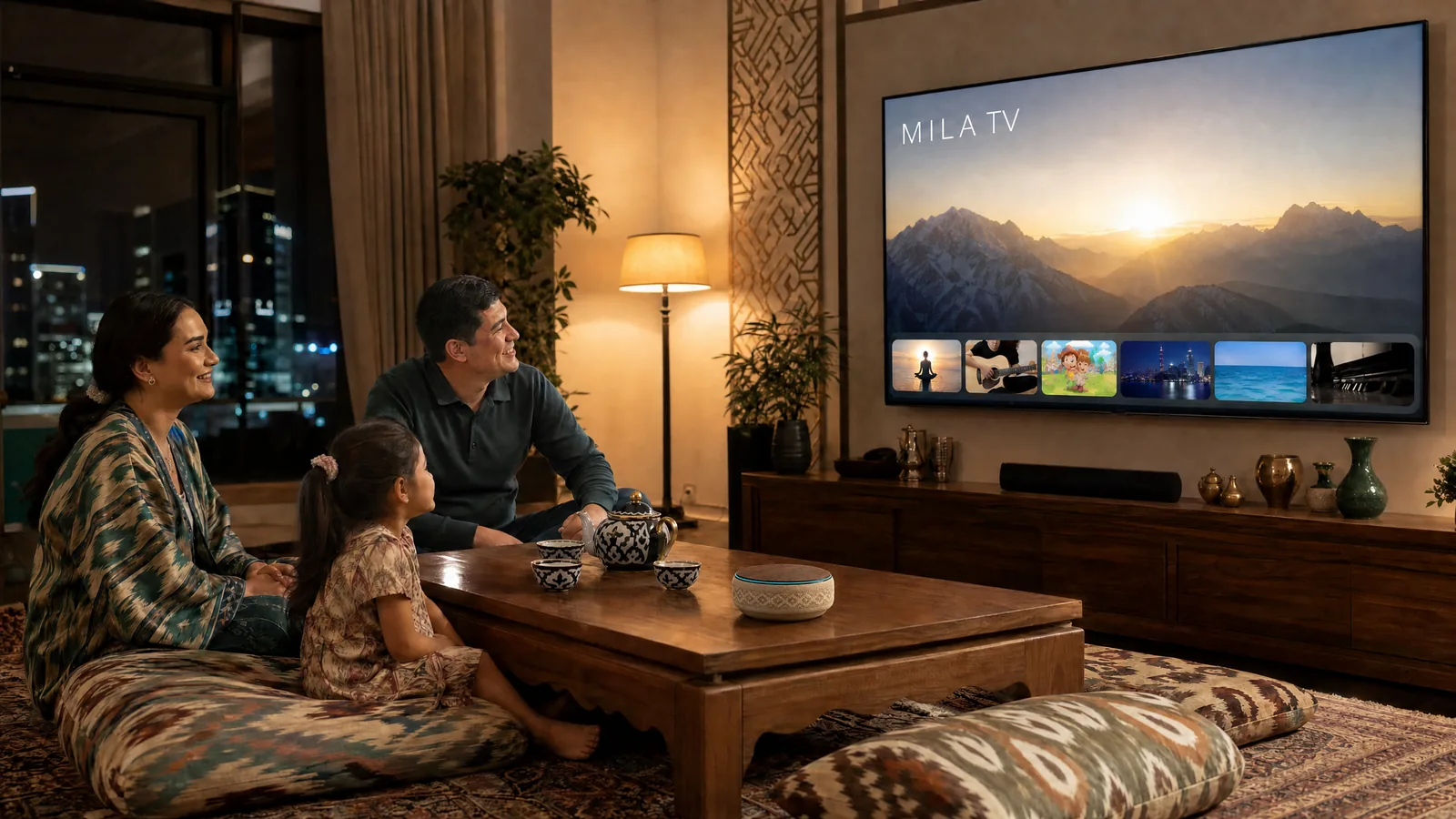
Evening, dinner, the kids are asleep. Message Mila “turn on the fireplace” or “quiet jazz for dinner” — and the screen plays through the playlist on its own. No need to look for the next video.
Meditation in the morning, work background during the day, an audiobook in the evening.
Office & meetings
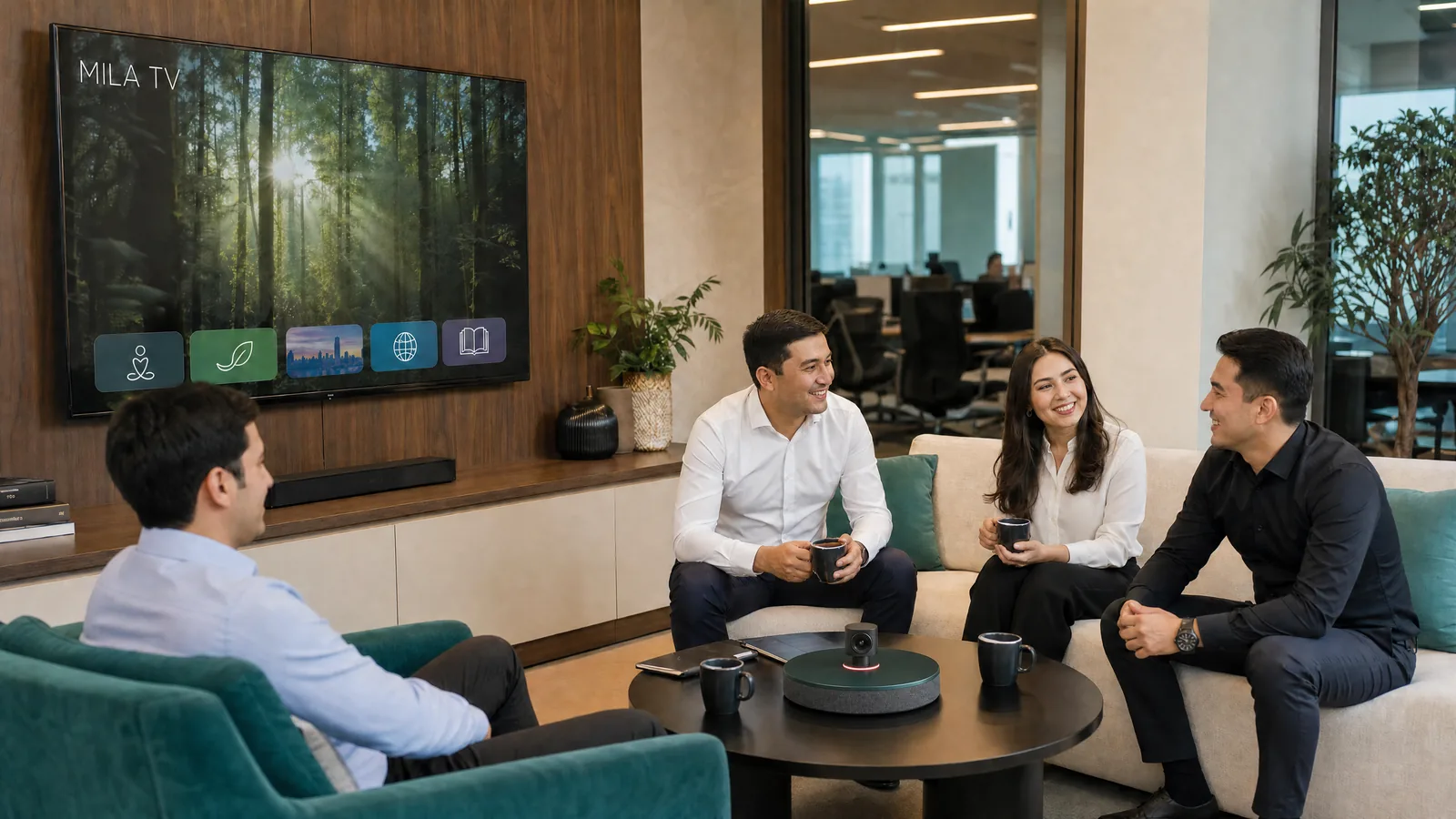
Mila puts slides and charts on the screen, and you flip through them from your phone. While the team gathers — a calm background; once the meeting starts — the presentation.
No cables to plug in.
Kids’ learning
Cartoons from the studios’ official channels — on the “Kids” and “Kids’ playlists” channels. Mila shows a quiz on the big screen, and the whole family answers.
For learning — the “English” and “Chinese from scratch” channels.
Hall, café, event
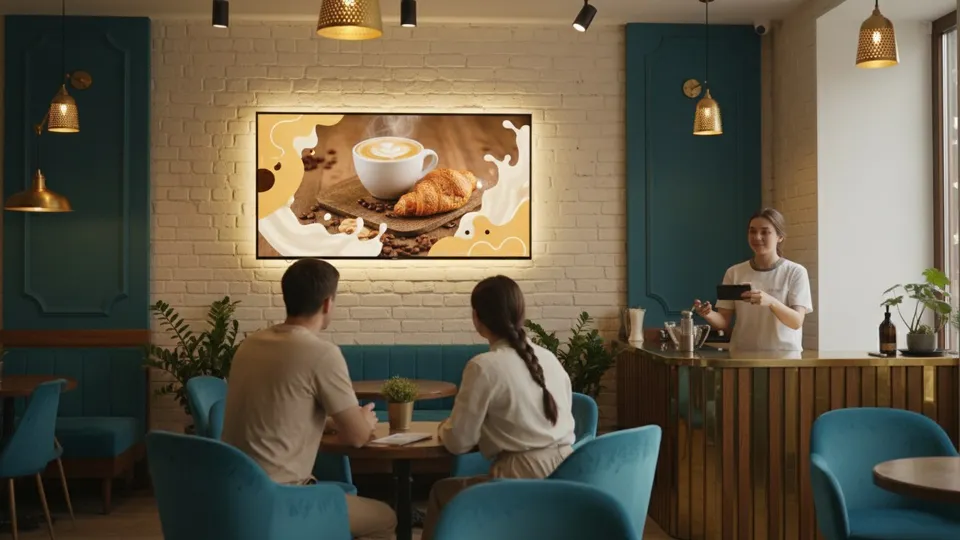
Event schedule and a quiz for guests — on the big screen, on command from Telegram.
The host doesn’t need someone sitting at a laptop.
Channels
18 Mila TV channels — on air now
20 videos in each, playing on their own around the clock. Tap a channel to open it in the player.
 Mantras with Mila
 Meditations
 Meditation & mindfulness
 Yoga
Yoga Work background
 English
 Chinese from scratch
 AI: how to use it
 AI news
 Singing & music
 Guitar
 Piano
Piano DJing
DJing Audiobooks
 Dinner background
 Evening
 Kids
Kids Kids’ playlists
Videos come from official YouTube embeds and our own content. Rights to the videos belong to their creators.
Questions
Frequently asked questions
What do I need to turn on Mila TV?
A screen with a browser — a TV, laptop or projector — and Telegram on your phone. Open tv.milagpt.io and send Mila the code from the screen.
How many channels are there, and what’s on them?
18 channels with 20 videos each: meditations, mantras, yoga, background for work and dinner, audiobooks, English and Chinese, music, kids’ channels and AI channels. They play on their own around the clock.
How do I switch channels?
Message Mila in Telegram — or use the arrow keys on your TV remote or keyboard.
Can I show my own slides in a meeting?
Yes. Mila puts slides and charts on the screen, and you flip through them from your phone. No cables needed.
Where do the videos come from?
From official YouTube embeds and our own content. Cartoons come from the studios’ official channels.
Didn’t find your question? Ask Mila — she’ll answer in Telegram.
Ask Mila
Let the screen work for you instead of eating your time
Open tv.milagpt.io, send Mila the code — and pick a channel.
Turn on Mila on your screen