


You asked an AI about a law, a price or a date — and got a neat, confident answer. Then it turned out that article isn't in the law, the price is last year's, and the date was made up.
It isn't malice. A language model writes the most likely text. When it doesn't know exactly, it still writes — smoothly and without hesitation. So a confident tone tells you nothing about the truth.
The good news: checking can be quick. You just need to know what to look at.
Three signs on every answer
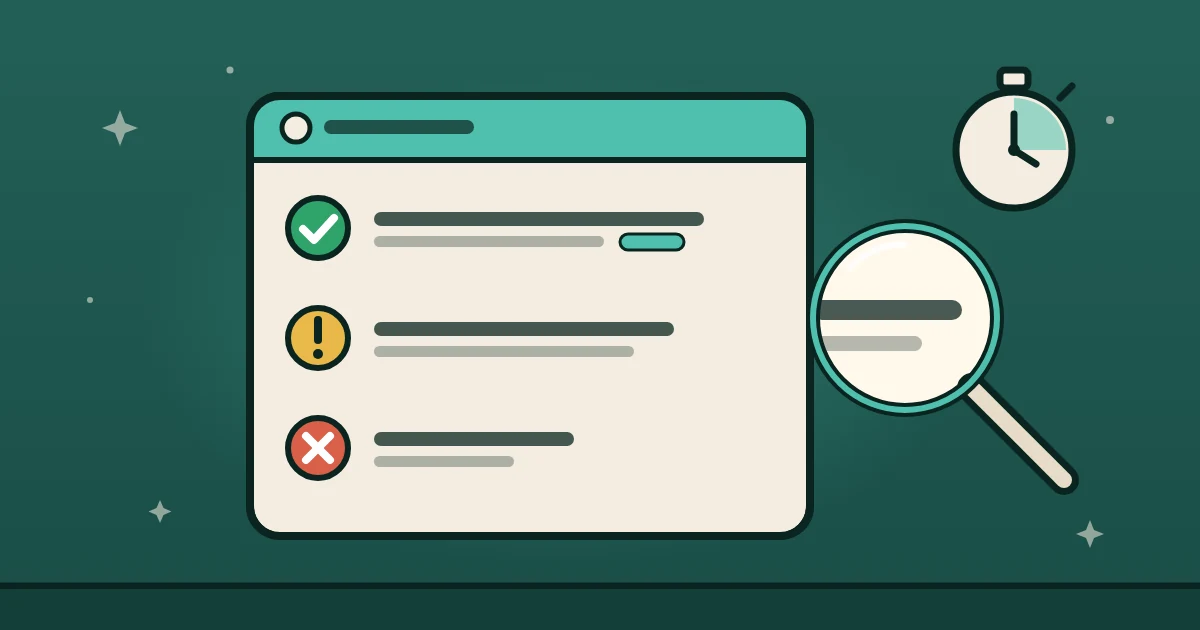
Ask the AI to mark every statement with one of three signs:
- ✅ Checked — there's a source you can open: a link, a file, a document number.
- ⚠️ Sounds right — no source, but it seems logical. Check it yourself before acting on it.
- ❌ Don't know — no data. An honest "I don't know" beats a made-up answer.
Say it like this: "Mark every statement: ✅ if there's a source, ⚠️ if not, ❌ if you don't know. Next to every number — where it comes from."
Now you can see at once where the ground is solid and where it's sand.
A source for every number
Numbers get invented most often: percentages, sums, dates, counts. The rule is simple: no source — no number.
If the AI writes "according to a study, 73% of customers…", ask: "Which study? Give me the link." No link — don't use the number.
This matters most when the text goes to a client, into a report or an ad. One made-up number — and trust in you drops with it.
"Done" means checked
Answers to questions are one thing. But what about when the AI doesn't answer, but does: books a client, sends an email, updates a spreadsheet?
Here a mistake costs more. "Added it to the sheet" — and the row isn't there. You find out from the client a week later.
So Mila has a rule: she doesn't say "done" until she has checked the result herself. Opened the file, found the record, saw the sent message. And she attaches proof to the word "done":
- before: "Added it to the sheet";
- after: "Added — row 14 in the leads sheet, here's the link".
At her exam on 11 October, the test Mila got tasks where it's easiest to say "done" on trust. In three runs in a row she answered only with proof: the path to the file and its first line.
How to check your AI today
- Ask something you know for sure: the price of your product or the date of your event.
- Ask for an answer with the three signs and a source for every number.
- Give it a small task — say, to save a note — and ask: "Show me where it is."
If the AI honestly puts ❌ where it doesn't know and shows where the finished work is — you can trust it with more. If it answers everything confidently and without sources — keep it on a short leash.
The main thing
AI doesn't have to know everything. It has to show honestly what it knows and what it doesn't. Then you only spend time checking the yellow, not re-checking everything.
Mila works in the open: every "done" comes with proof you can open.